Key Takeaways
Multiple cutting heads can divide suitable contour work, but they do not multiply output by the head count on every job.
Label geometry, lane layout, head spacing, cutting-path balance and non-cutting time determine how many heads are useful.
A single-head system can be simpler for varied, narrow or low-volume jobs where parallel work is limited.
Compare accepted labels per elapsed hour, not an isolated motion speed or a theoretical head multiplier.
Confirm whether the quoted machine adjusts head spacing manually or automatically and how unused heads are managed.
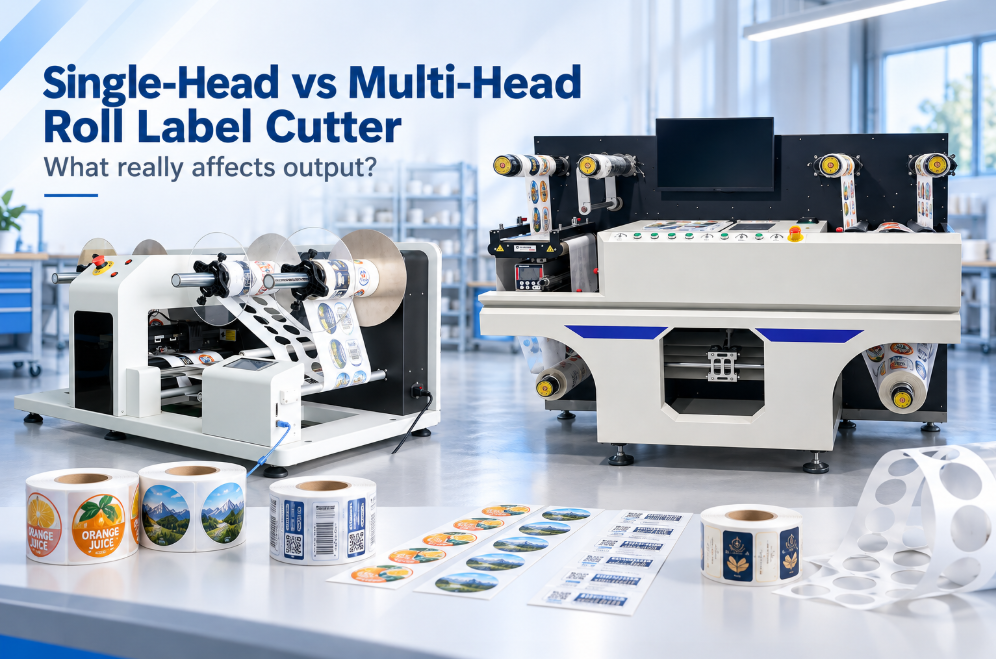
A single-head roll label cutter uses one cutting tool to follow the programmed contours. A multi-head cutter assigns compatible parts of the job to two or more tools, potentially reducing cutting time when the layout lets the heads work efficiently in parallel. The right choice depends on real artwork and lane geometry; four installed heads do not guarantee four times the production.
Quick Comparison
| Decision factor | Single head | Multi-head |
|---|
| Best starting point | Varied short runs and layouts with little repeatable parallel work | Repeated layouts that can be divided across heads |
| Setup | Fewer tool offsets and assignments | More head spacing, calibration and job logic |
| Potential advantage | Simplicity and flexible path access | Shorter contour time on suitable jobs |
| Main risk | Cutting becomes the bottleneck | Installed heads are underused or unevenly loaded |
| Proof required | Quality and elapsed job time | Head utilization, quality and elapsed job time |
What Does “Multi-Head” Mean on a Roll Cutter?
On a digital roll label cutter, multiple heads usually means several blade holders or cutting carriages can work within the same cutting section. The software may assign repeated contours to different heads based on their spacing and the imposed layout. This is not the same decision as a dual-tool sheet cutter that keeps different tools available for cutting, creasing or perforation.
VICUT already has a separate guide to single-head versus dual-head sheet label cutters. The roll-fed comparison here concerns parallel contour-cutting capacity and must not inherit conclusions from sheet-tool workflows.
When Multiple Heads Can Help
Multi-head cutting is most useful when several similar labels or lanes repeat across the web and the machine can allocate balanced work without tool interference. Simple contours with consistent pitch may allow more simultaneous cutting than a mixed sheet of unrelated shapes.
The potential gain is only one part of the cycle. Registration scanning, web advance, vacuum or hold-down, matrix removal, slitting and rewinding still consume time. If cutting represents half the elapsed job time, even eliminating half of that cutting time cannot halve the total job time.
When a Single Head May Be Enough
A single head can be appropriate when order quantities are small, layouts change frequently, the web is narrow or complex geometry prevents efficient parallel assignment. It may also simplify calibration and blade management for a shop with a limited product range.
Do not treat “single head” as entry-level without testing the complete workflow. If loading, registration or waste removal is the bottleneck, additional cutting heads may create little improvement. The lower-complexity configuration may produce similar accepted output for the actual job mix.
Six Factors That Control Multi-Head Benefit
Contour path length: Detailed shapes require more tool movement than simple rectangles.
Repeated layout: Heads need compatible work positions and spacing.
Head assignment: Software must divide paths without excessive idle travel.
Acceleration and corners: Motion time is not predicted by straight-line speed alone.
Non-cutting operations: Scanning, feeding and finishing remain in the cycle.
Quality limits: A faster path is useful only when registration and cut depth remain acceptable.
The VICUT VR350 multiple-blade label cutter documents automatic head-distance adjustment and software-based head selection. The VICUT VR320 label die cutter uses another head configuration. Buyers should compare the current quotation and tested model rather than combine specifications from both pages.
How to Compare Head Configurations
Use the same printed roll, artwork, settings and output requirement. Test at least three files:
| Test file | What to record |
|---|
| Simple repeated contour | Heads active, cutting time and total time |
| Detailed small label | Corner quality, head balance and usable speed |
| Mixed or irregular layout | Active heads, idle travel and changeover |
Time from job selection to approved finished output. Record how many heads the software actually uses, whether their workload is balanced and whether an operator must reposition them. Inspect samples from each head separately; an average result can hide one miscalibrated tool.
Quality and Maintenance Considerations
Every active head introduces a blade, holder and tool-to-sensor offset that must remain consistent. Use the same blade specification and document replacement history. If one head produces a different kiss depth or contour offset, isolate its tool and calibration before changing global settings.
Multi-head systems may also require a minimum practical distance between tools or restricted work zones. Ask what happens when label lanes are closer than the permitted spacing, when only one head can reach a contour, or when a head is disabled. The supplier should demonstrate these cases in the production software.
A Practical Buying Decision
Estimate annual work by job family, not only total label volume. Count how many jobs contain layouts that can use parallel cutting and how often fast changeover is more important than raw contour time. Then test the top job families on the candidate configurations.
Use the VICUT roll label die cutting machine range to identify model classes. Send VICUT the imposed production files, web width, lane count, batch size and finished-roll specification. Ask for a report showing total elapsed time, active head count and accepted output for each file.
Frequently Asked Questions
Does a four-head cutter run four times faster?
Not necessarily. Geometry, head spacing, path allocation and non-cutting operations limit the improvement.
Can every file use all installed heads?
No. Some layouts provide insufficient repeated or accessible work. Confirm actual software allocation during the test.
Do multiple heads cut different depths at once?
Capabilities vary. Confirm whether depth or pressure is controlled independently on the quoted model and test any mixed-depth job.
Is multi-head better for short runs?
It can reduce contour time, but setup and changeover may dominate a very short run. Measure the complete job.
Compare Head Configurations on Your Artwork
The most useful comparison uses the same imposed files, printed roll and finished-output requirement on each candidate configuration. Send VICUT simple, detailed and mixed-layout jobs together with normal batch quantities. Contact VICUT to compare relevant roll label cutter models and request a report showing active head count, total elapsed time, accepted output and quality by head.
 vicutcnc@cncvicut.com